PRE-TONE
Undertone
Before light becomes an image, it must first be understood — how warm, how dense, how bright. No style here yet, only the honest undertone of light.
01 — Camera
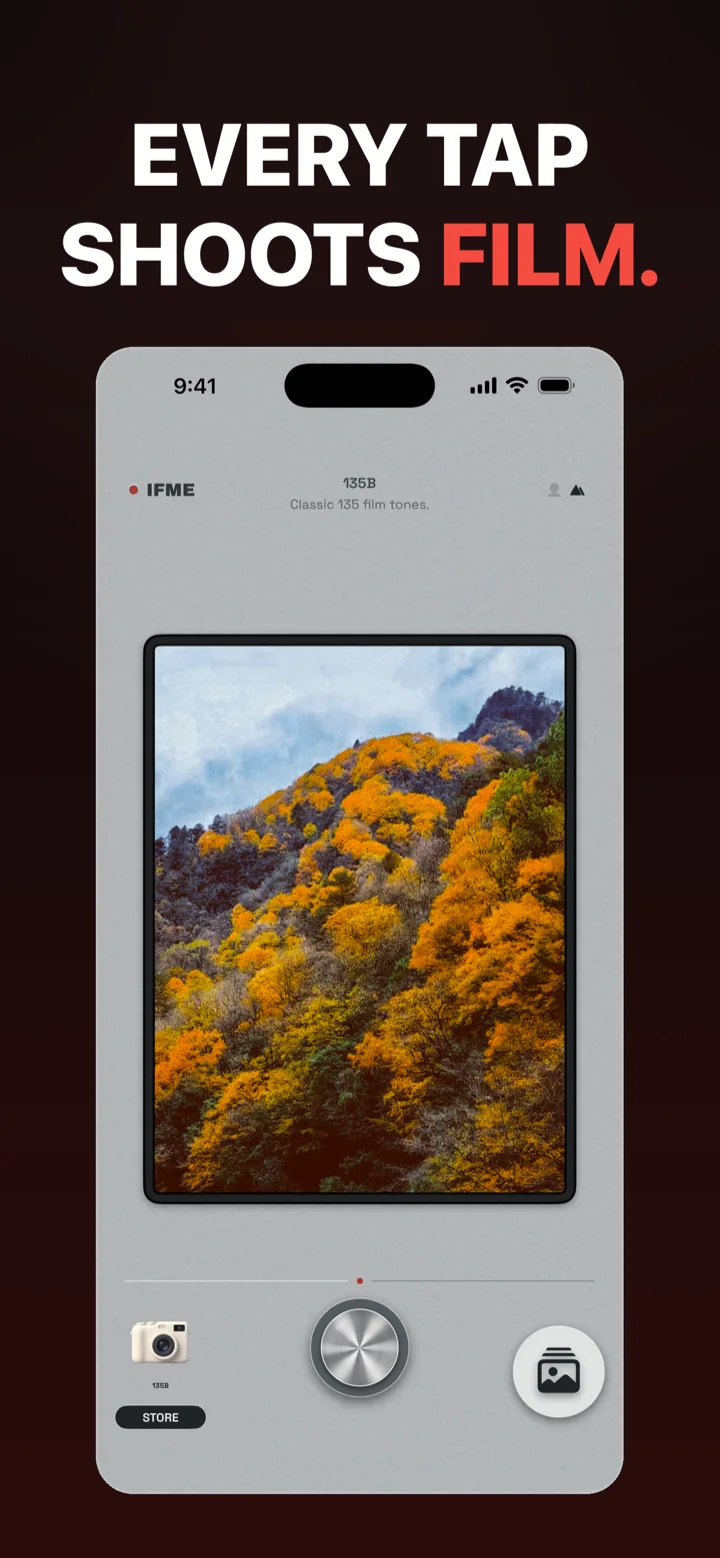
Every tap shoots film — 32 classic cameras with 3 free to shoot, plus a full grading suite and Neural Zoom, in one retro camera for iPhone.
IFME Cam
iOS 15+
02 — Color Science
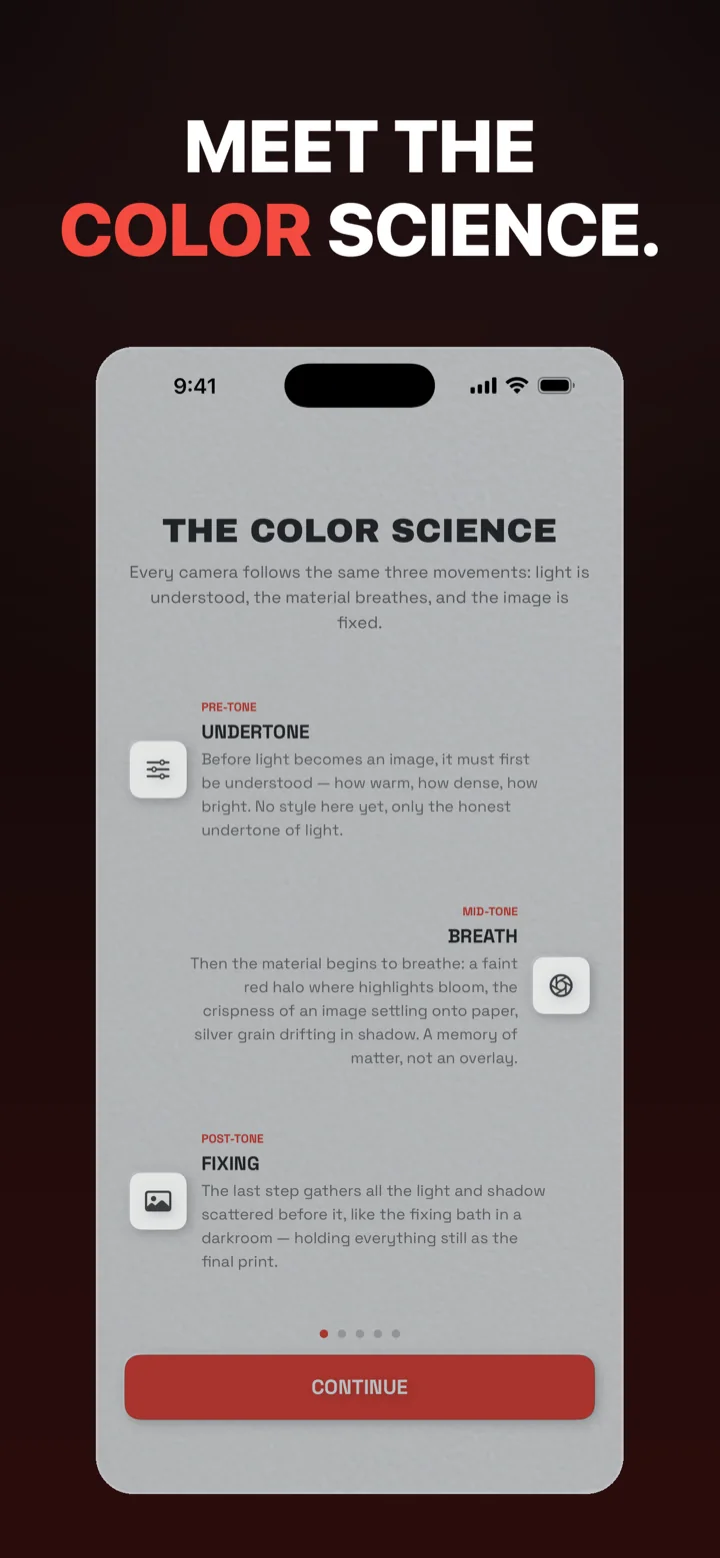
Every camera in IFME Cam follows the same three movements: light is understood, the material breathes, and the image is fixed. This is the theory the app renders with — not a filter stacked on top.
PRE-TONE
Before light becomes an image, it must first be understood — how warm, how dense, how bright. No style here yet, only the honest undertone of light.
MID-TONE
Then the material begins to breathe: a faint red halo where highlights bloom, the crispness of an image settling onto paper, silver grain drifting in shadow. A memory of matter, not an overlay.
POST-TONE
The last step gathers all the light and shadow scattered before it, like the fixing bath in a darkroom — holding everything still as the final print.
03 — Grading
A full grading workstation sits under the viewfinder, so you shape the tone before you shoot — and re-print any frame from its negative afterwards.
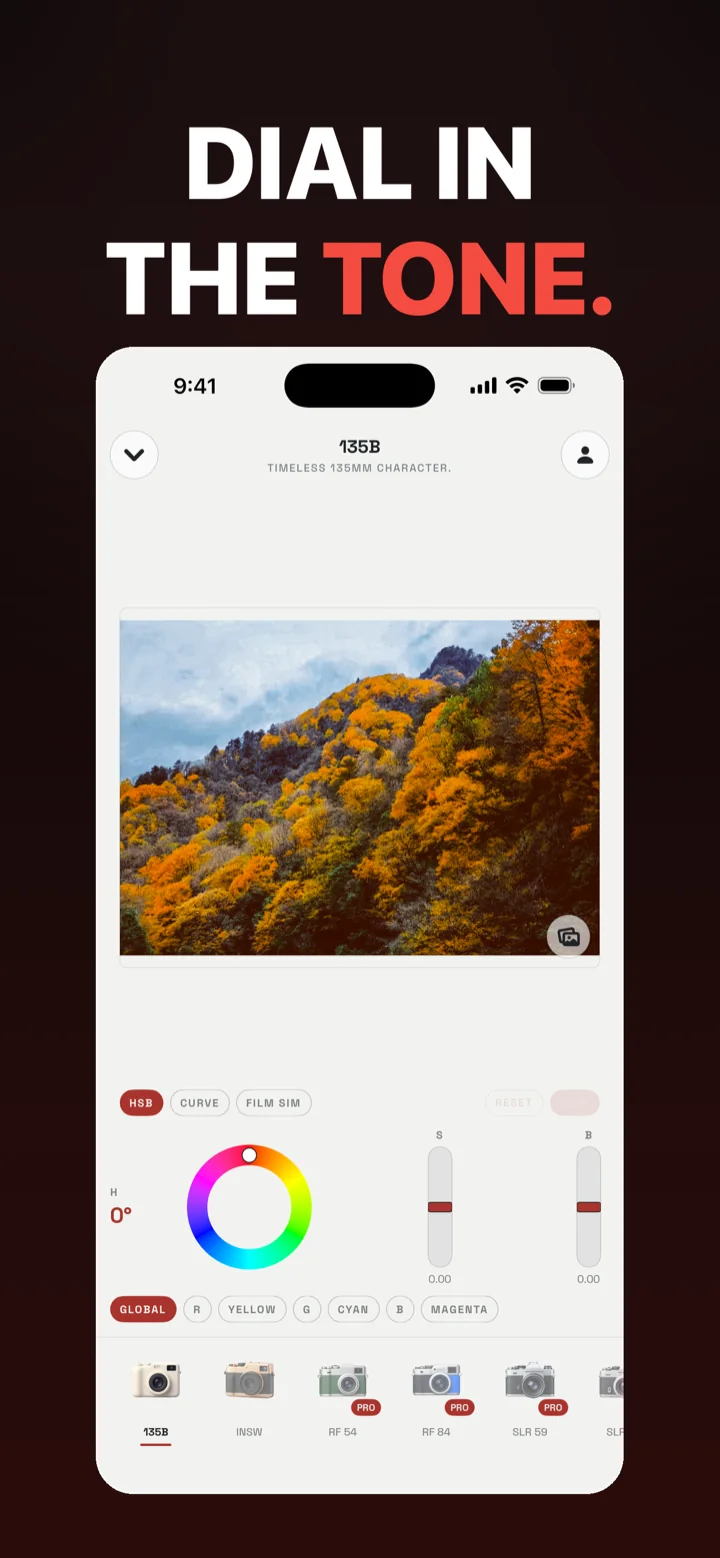
Hue, saturation and brightness dials with live preview — the three movements of the color science, under your thumb.
Per-channel tone curves for precise, repeatable contrast.
Vintage grain, warm highlights, halation and light leaks rendered from classic film stocks.
Target Global, Red, Yellow, Green, Cyan, Blue or Magenta — grade one hue without touching the rest of the frame.
Keep the untouched negative and re-print any photo later with new exposure and color temperature.
04 — Cameras
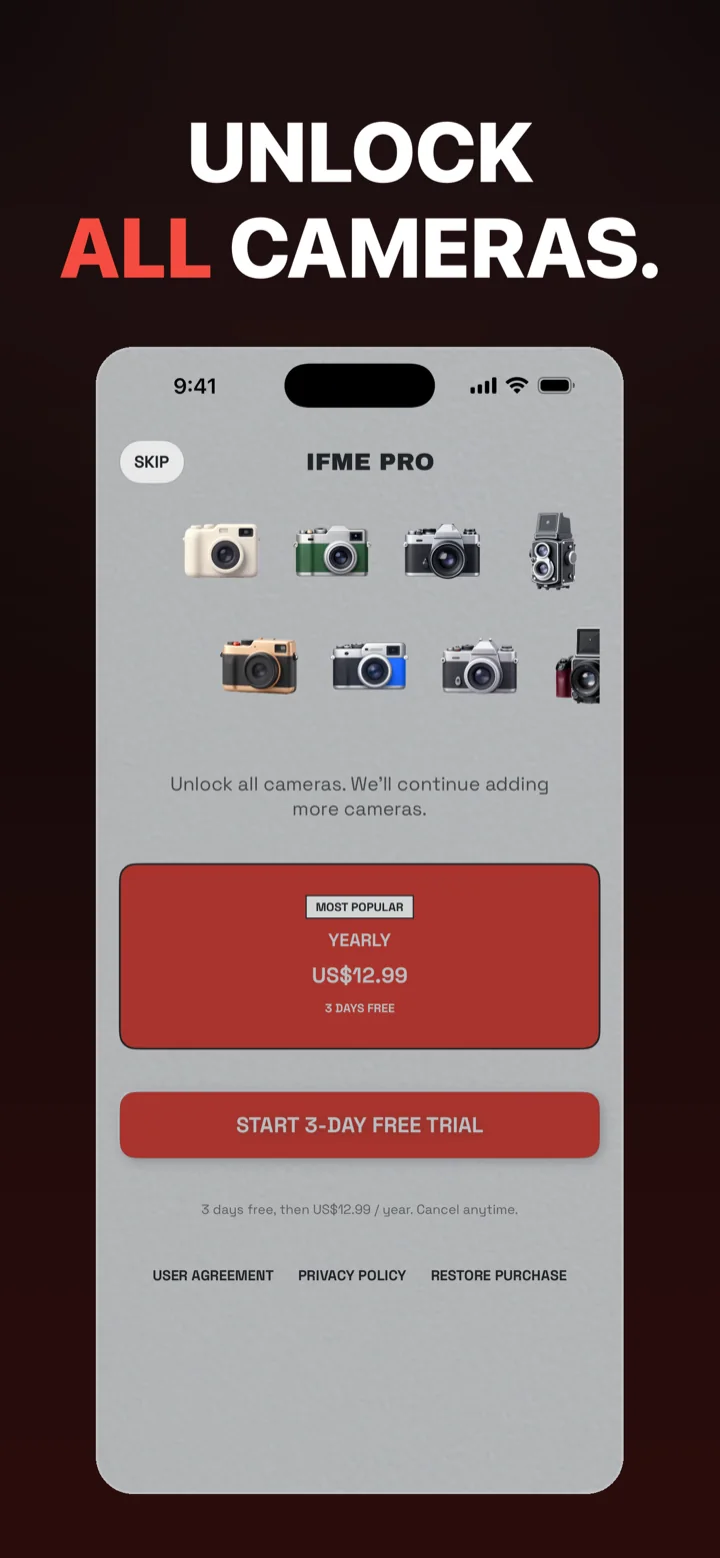
32 film cameras with their own character, 3 of them free to shoot — SLR, rangefinder, instant and disposable looks, from 1950s press cameras to Y2K digicams, with more added continuously.
A growing library of classic cameras, each rendered with its own film character and tone. Three of them — 135B, INSW and RF 54 — are free to shoot.
On-device machine learning upscales in real time, so you can zoom 2× and the film grain stays sharp instead of turning to mush.
Moving pictures carry the same film look, straight from the shutter.
Print the shooting date onto your photos in classic film-camera style — YMD, DMY or MDY.
Tag your shots for a chance to be featured in the official curated collection.
05 — Membership
US$12.99 / year
3 days free, then US$12.99 / year (CN App Store ¥88 / year). Cancel anytime.
Subscription managed by Apple. Cancel in iOS Settings → Apple ID → Subscriptions.
06 — FAQ
IFME Cam runs on iPhone with iOS 15.0 or later. IFME PRO purchases and renewals are handled by Apple's App Store billing.
IFME PRO is the IFME Cam membership. Three film cameras are free to shoot; IFME PRO unlocks all 32, including member-exclusive models, plus new cameras and creative tools as they are added. It is a yearly subscription at US$12.99 (CN App Store ¥88), with a 3-day free trial for first-time subscribers, cancelable at any time.
Three film cameras are free out of the box — 135B (classic 135 film tones), INSW and RF 54. IFME PRO unlocks the remaining cameras, including member-exclusive models, plus new cameras as they are added.
Every camera follows the same three movements: pre-tone (undertone), mid-tone (breath) and post-tone (fixing). You can shape all three with HSB wheels, RGB curves, film simulation and per-color targeting — a full grading workstation inside the camera.
No. Photos and videos are captured and saved on your device and in your system album; nothing is uploaded to our servers. The app contains no advertising and no third-party analytics SDKs.
IFME Cam uses Sign in with Apple so your IFME PRO subscription can be restored across devices. You can request account deletion at any time by emailing support@mfasta.com; we verify and process it within 15 business days, and deletion is irreversible.
Open the membership screen in IFME Cam and tap Restore Purchases, or manage the subscription in iOS Settings → Apple ID → Subscriptions.